C++ Development in Linux
OS: Ubuntu 20.04 LTS
Setting up VSCode
- Install VS Code if not already installed.
- Install C/C++ extension if not already installed.
- Install C/C++ Project Generator extension.
- Check C++ compiler version
g++ --versionDefault installation location for external libraries is
/usr/local/
Using VS Code Project Generator Extension
Create a project
- Go to command pallete
ctrl + shift + p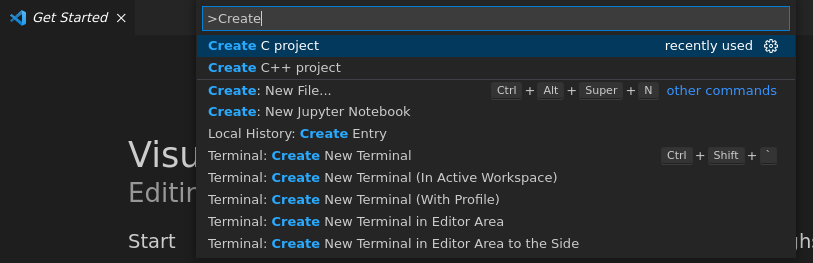
- Search for "Create C project" or "Create c++ project" depending on your preference
- Create a new folder and select.
- A folder structure similar to this will be created.
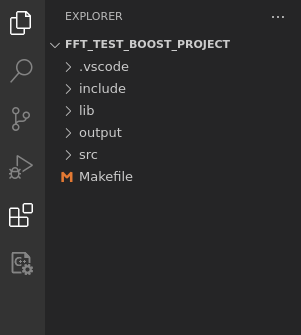
- It will create
main.cormain.cppundersrcand a genericMakefile.
Make commands
- Build project:
make all - Clean project:
make clean - Build and run:
make run
Modifying Makefile
Additional include files can be added to this line separated by commas.
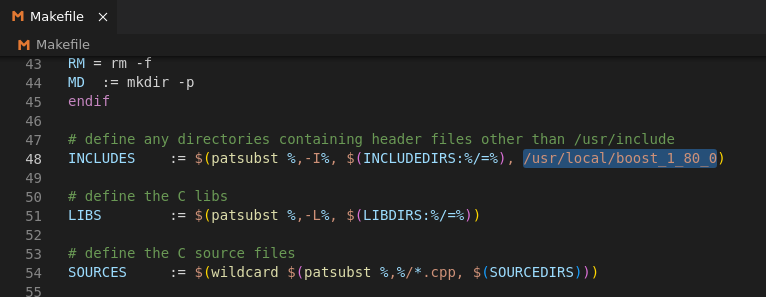
Change the executable file name
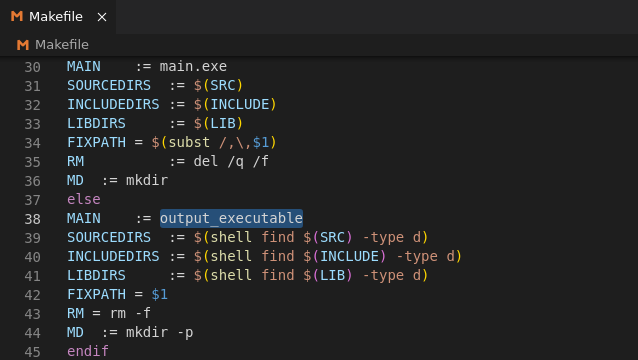
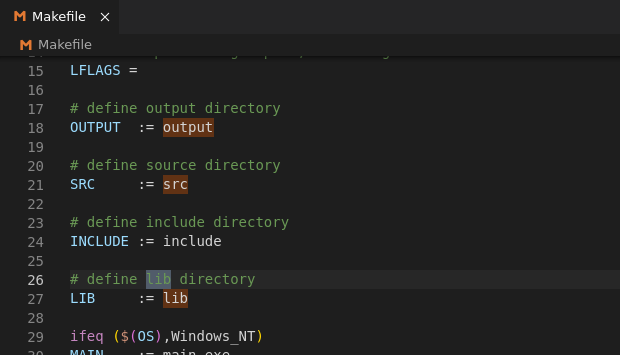
Change the folder names